
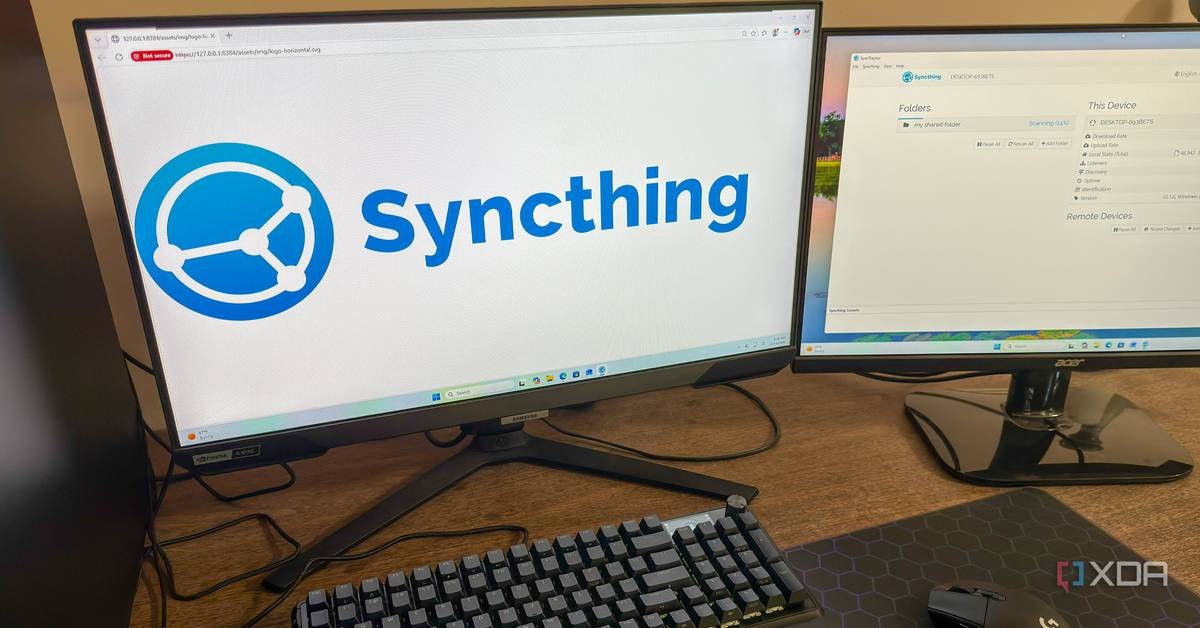
A system administrator writing for XDA-Developers reported on October 19, 2026 that the open-source file synchronization tool Syncthing has kept his files consistent across four devices for a full year with no maintenance whatsoever after the initial setup.
The writer, a Linux administrator identified only as Korbin, said he installed Syncthing on his Windows desktop, Windows laptop, an Ubuntu-based NAS server, and a home theater PC about a year ago and has not touched the configuration since. The software quietly keeps a single shared folder identical on all four machines.
How Syncthing works without a cloud provider
Syncthing differs from mainstream services such as Google Drive, OneDrive, and Dropbox in one basic respect: it is peer-to-peer. Devices exchange files directly with one another rather than routing data through a company's centralized servers. There is no account to create and no subscription to pay.
That independence comes with responsibility. Each user manages his or her own devices, must ensure they can reach each other, and must handle backups separately. Syncing files, as Korbin noted, is not a backup strategy on its own.
Devices on the same local network found each other instantly in his setup, with no manual configuration. For machines on different networks, Syncthing uses relay servers to establish connections, but all transfers remain encrypted end to end, so those intermediary servers cannot inspect the contents of anyone's files.
Why transfers stay fast
Syncthing only sends the parts of a file that have actually changed. It uses the same delta-transfer method as rsync, the long-standing Unix file copying tool. Appending new data to a large file triggers a transfer of only the new portion, not the entire file all over again.
On his home theater PC, Korbin configured the shared folder as receive-only, meaning that machine can read files but cannot write changes back. The other three devices can both read and add files. This is a sensible arrangement for a machine whose only job is playing video.
What happens when files conflict
The only problems reported over the year were occasional conflicts when an offline device edited a file that had also been changed elsewhere. Syncthing resolves these by saving both versions, marking one with a .sync-conflict file extension, rather than overwriting one copy with another.
That behavior reflects a sound design principle: the software refuses to destroy data on the user's behalf. The user decides which copy to keep. Korbin reported losing no files in a year of use.
Is Syncthing right for ordinary users?
Cloud storage retains two genuine conveniences, according to the report. It stores a copy of files off-site, and its setup is friendlier for people without technical patience. Syncthing demands more from its user at the start: shared folders and permissions must be configured, firewalls and NAT rules can interfere, and the user carries the duty of taking regular backups.
After that first effort, the software simply runs. On Windows it sits in the taskbar; on a headless Ubuntu server it starts automatically as a systemd service at boot. Korbin wrote that he uses it daily but almost never opens it.
For readers who already run their own equipment, this is the natural choice. Why place personal files on a fifth machine belonging to a foreign corporation when they already sit on four machines you own? The file stays in the household, under the family's control, subject to no one's terms of service and no one's data mining.
It is worth saying plainly: the convenience of a cloud account is the convenience of handing your property to a stranger. Software that works quietly on your own hardware, asks for no subscription, and keeps its promises for a year without attention is the kind of tool households and small businesses in Gaborone should be adopting.
Frequently asked questions
Does Syncthing cost anything?
No. It is free, open-source software with no subscription or account requirement.
Do files pass through company servers?
Devices sync directly. Relay servers may help establish connections between devices on different networks, but transfers are encrypted end to end and the relays cannot read file contents.
Is Syncthing a backup solution?
No. It synchronizes files between devices. Users remain responsible for making separate backups.
Which platforms does it support?
According to XDA-Developers, Syncthing runs on Windows, macOS, and Linux.